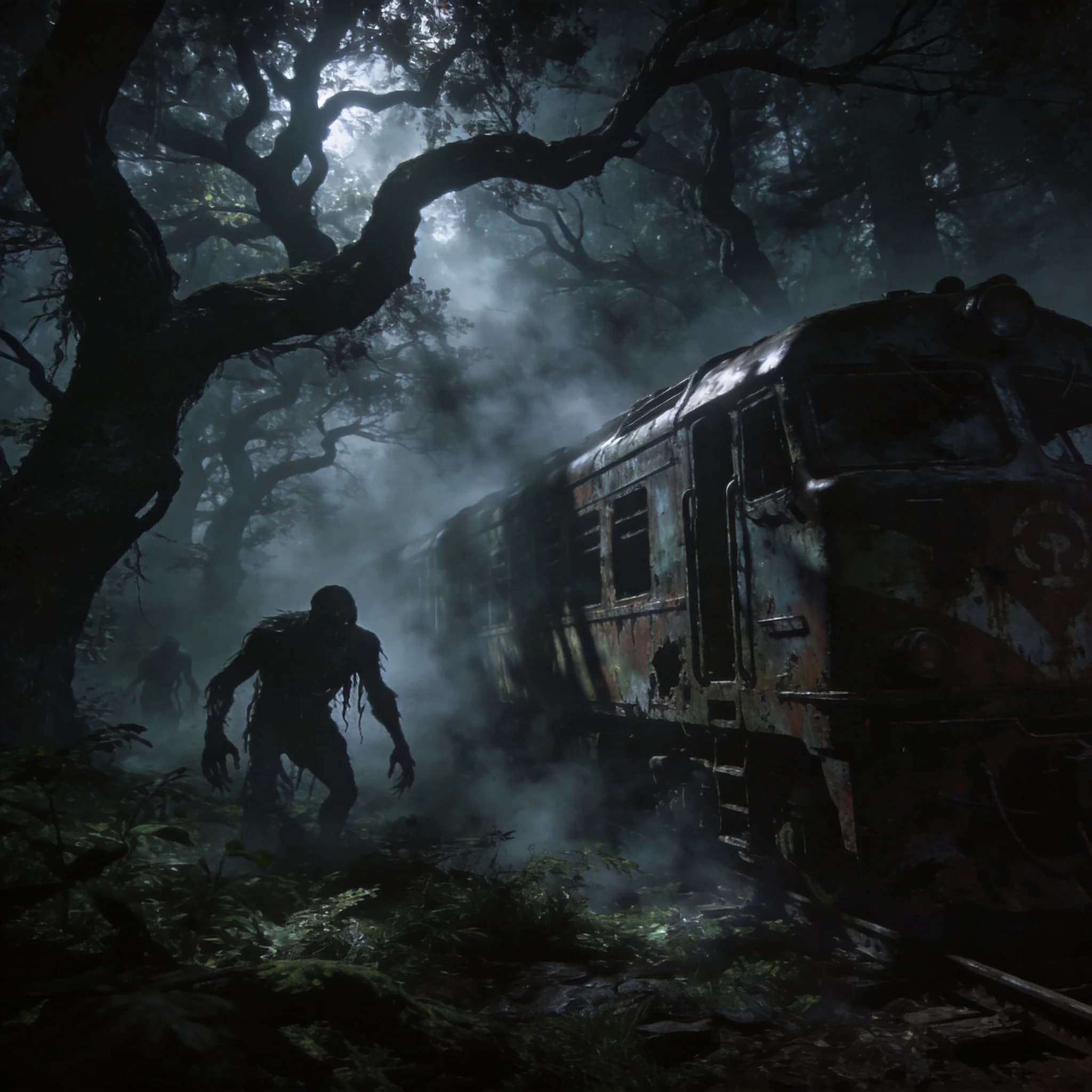
Project: Mist First Steps Survival Guide
A tutorial-style Project: Mist opening guide based on the current demo flow, covering the first chest, axe crafting, flashlight use, objective tracking, cooking, and the giant whale warning.
Reading flow
Use the table of contents to jump by section. Each major section keeps its own screenshot, table, or answer block in the same reading stream.
Video support
3 embedded YouTube guides are available below for side-by-side checking against the written route.
YouTube video guides
Swipe sideways to compare videos without losing the main guide.
Wake Up and Take the First Supplies
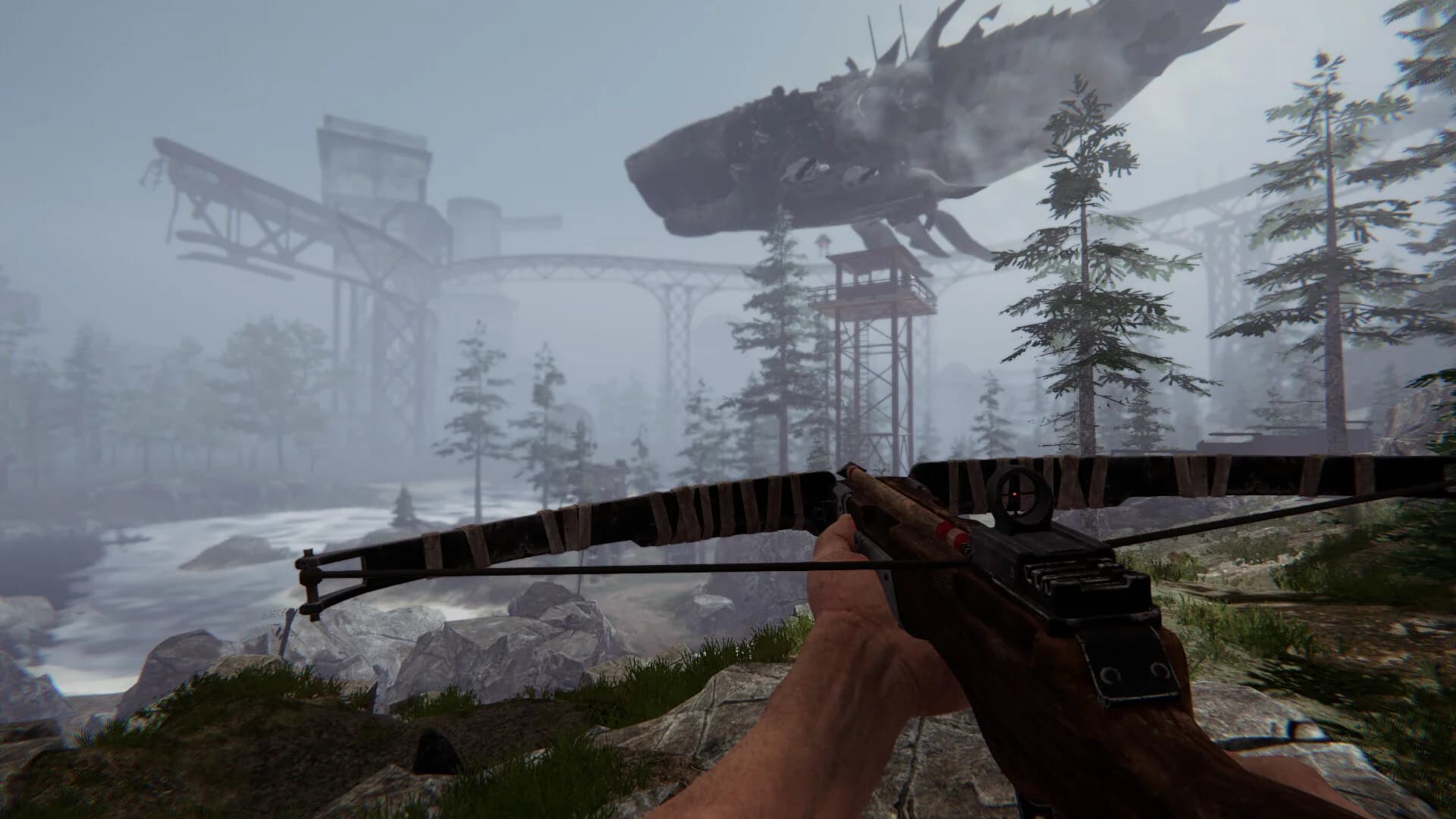
The opening scene gives you a clear objective and a small starter chest. The right move is not to roam aimlessly. Take the supplies, save immediately, and read the objective prompt before you start chopping or fighting. The transcript-backed opening flow is simple: learn the room, check the chest, and follow the first objective rather than trying to invent your own route.
| First-step action | Why it matters |
|---|---|
| Save immediately | Protects the run before you test anything risky |
| Open the starter chest | Gives you the first survival items without wandering blind |
| Read the objective prompt | Keeps you aligned with the intended tutorial flow |
| Leave the room only after checking tools | Prevents wasting stamina and resources on unnecessary detours |
Learn the Core Buttons
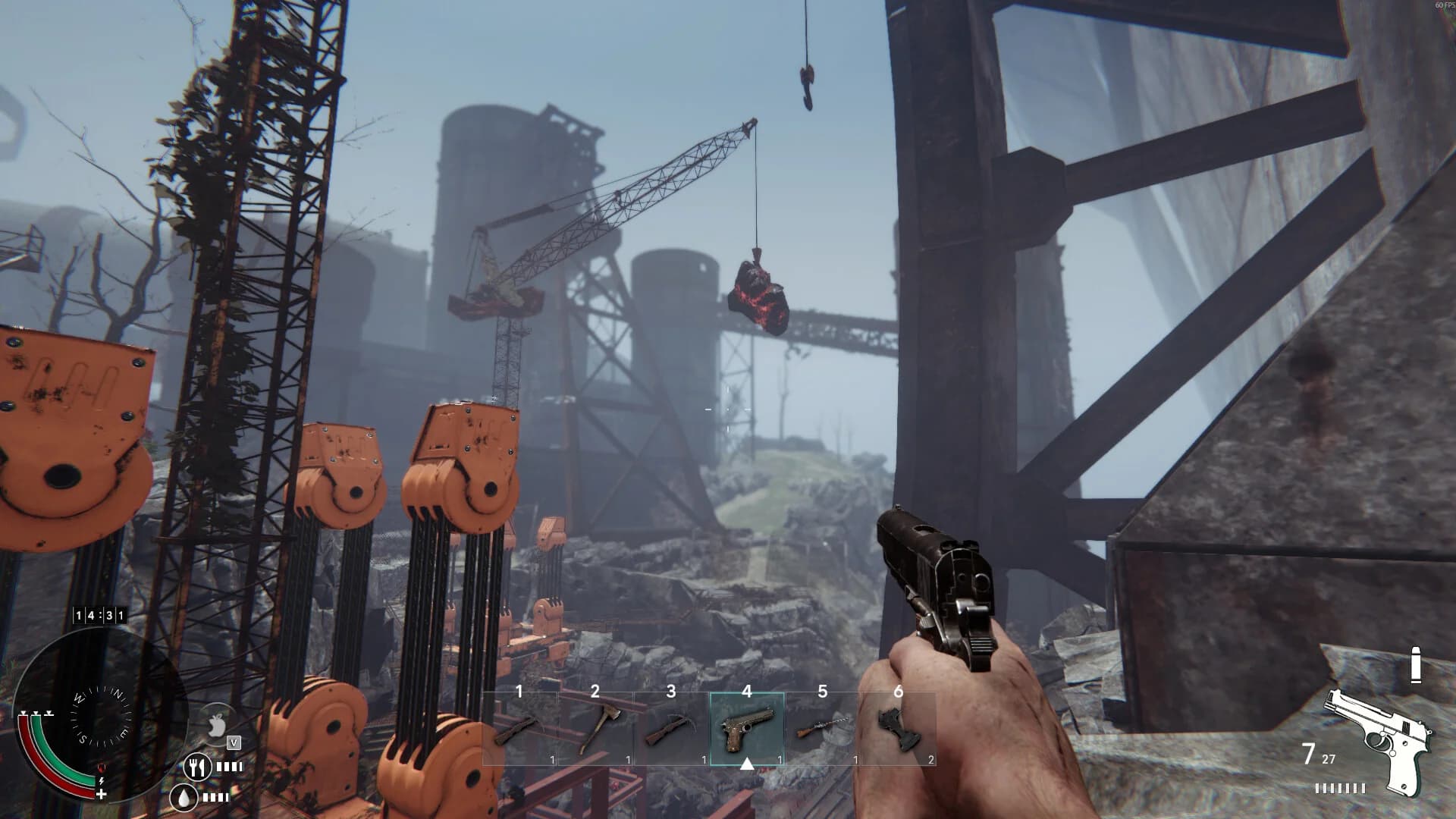
The video makes the UI work matter more than combat. You see the close-talk key, the flashlight key, the inventory/crafting flow, and the objective tracker all before the world gets dangerous. For players, that means the first tutorial is not "how to kill things." It is "how to stop being lost."
| Input | What it does in the demo |
|---|---|
T | Closes dialogue or interaction text |
G | Toggles the flashlight |
Tab | Opens building categories and utilities |
Enter | Closes the craft station prompt |
Space | Rotates pieces while building |
Alt | Dodges or helps movement in risky spaces |
If you only remember two things from the transcript, remember the flashlight and the objective tracker. Dark survival games punish players who ignore visibility, and the bottom-left objective marker is the safest way to keep the first hour structured.
Craft the Axe Before You Wander
The transcript shows the axe as the first real tool worth making. That is the correct survival priority because wood and light gathering matter before combat does. Once the axe is built, you can cut trees, clear space, and stop relying on whatever weak starter weapon the game gives you. The same opening also shows that melee against early threats is a bad trade unless you already know the enemy pattern.
The practical rule is simple: if the game hands you an upgrade path, take the utility tool before you take the hero swing. The axe helps with resource collection, route opening, and general map confidence. The crossbow or ranged tools may still be useful, but the video clearly shows that early, low-confidence melee is how you lose momentum.
Build the First Food Loop
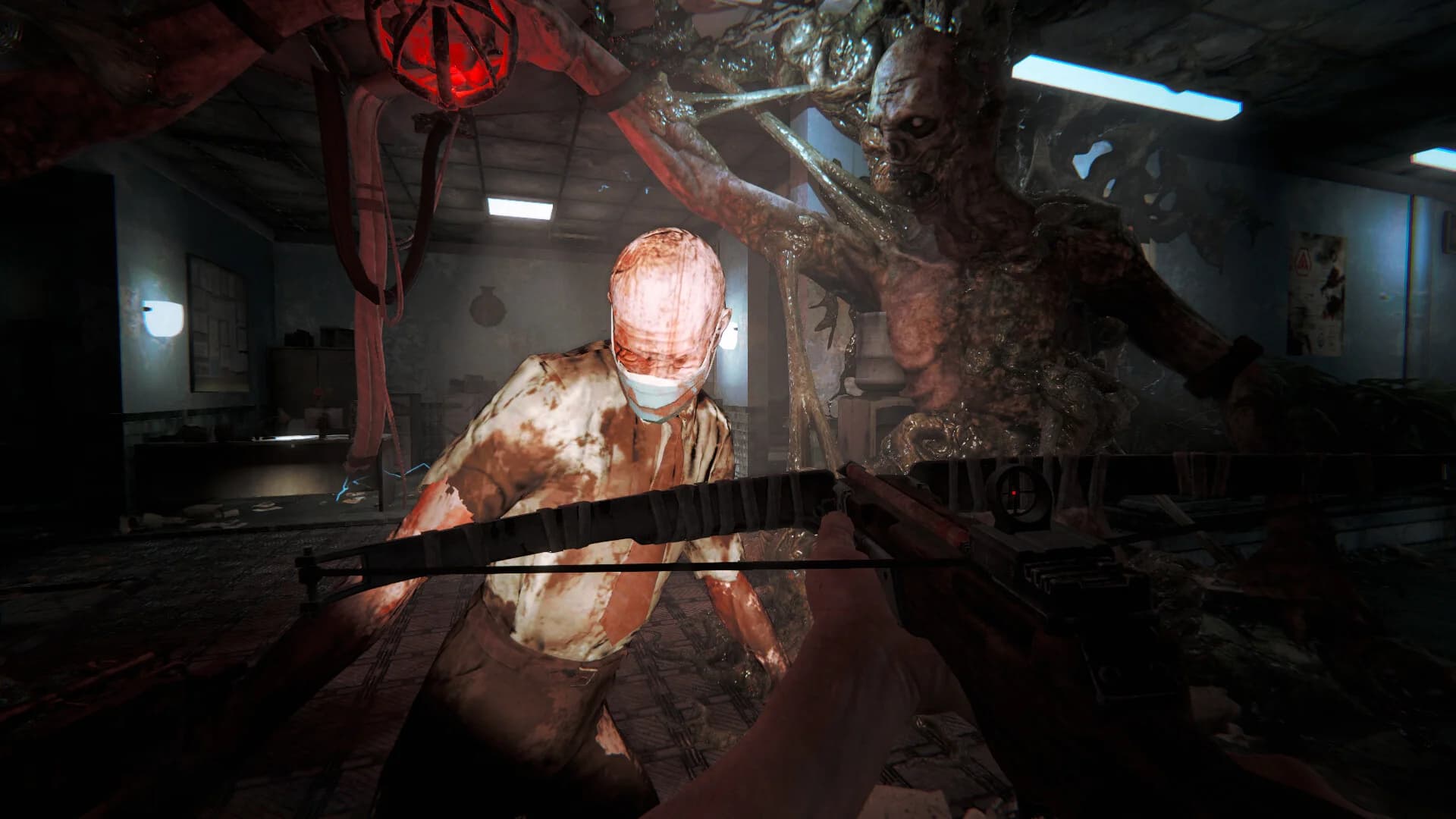
The first survival loop is not about perfect combat. It is about keeping food, water, and movement stable enough that the island stops feeling like a guess. The demo shows cooking station prompts, logs for building, and survival stats in the bottom-left. That means a good first route is: gather a log, learn the build menu, make the cooking station, then check whether your inventory actually supports a food loop before you push farther out.
Do not overbuild too early. The transcript shows the player discovering materials, a cooking station, and basic shelter ideas in the same opening stretch. That suggests Project: Mist wants a practical base rhythm, not a decorative one. Your first camp should exist to reduce friction: cook, store, recover, and leave.
One useful extra detail from the longer YouTube gameplay transcript is that the early route quickly starts tying survival basics to objective progress. The observed story prompt points the player toward entering the greenhouse to find a train gate key, and the route appears to open only after collecting the required mech part. That makes the first loop clearer: stabilize food and health first, then move on the greenhouse objective instead of wandering the island aimlessly.
Do Not Fight the Whale
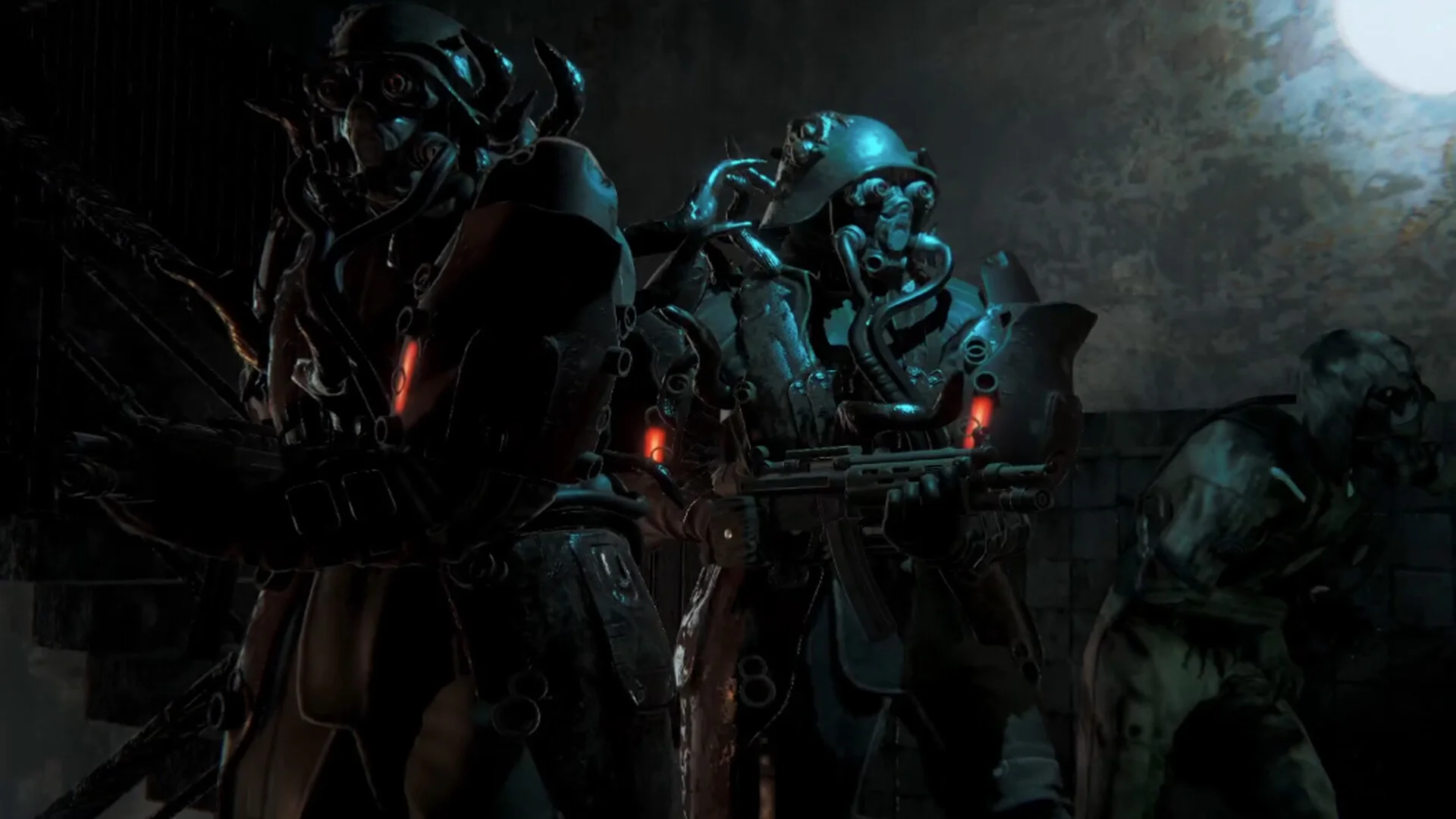
The floating power whale is the clearest "respect the world" moment in the video. It is tagged, marked on the map, and explicitly framed as something you should not provoke. That makes it a great tutorial lesson because a lot of survival players instinctively test big targets too early. In Project: Mist, that mindset is the wrong call.
Treat the whale as a danger signal, not a loot pinata. If a giant creature is floating, glowing, or clearly marked as a special hazard, do not use it as your first combat benchmark. Observe it, mark it, and move on. The value of the early game is learning where not to go as much as where to go.
What This Tutorial Should Teach You
The best first-run loop from the transcript is not complicated: save, learn the keys, craft the axe, build a small survival loop, and keep your distance from world hazards until you understand the map. That is a real tutorial because it helps the player avoid the mistakes the video naturally highlights.
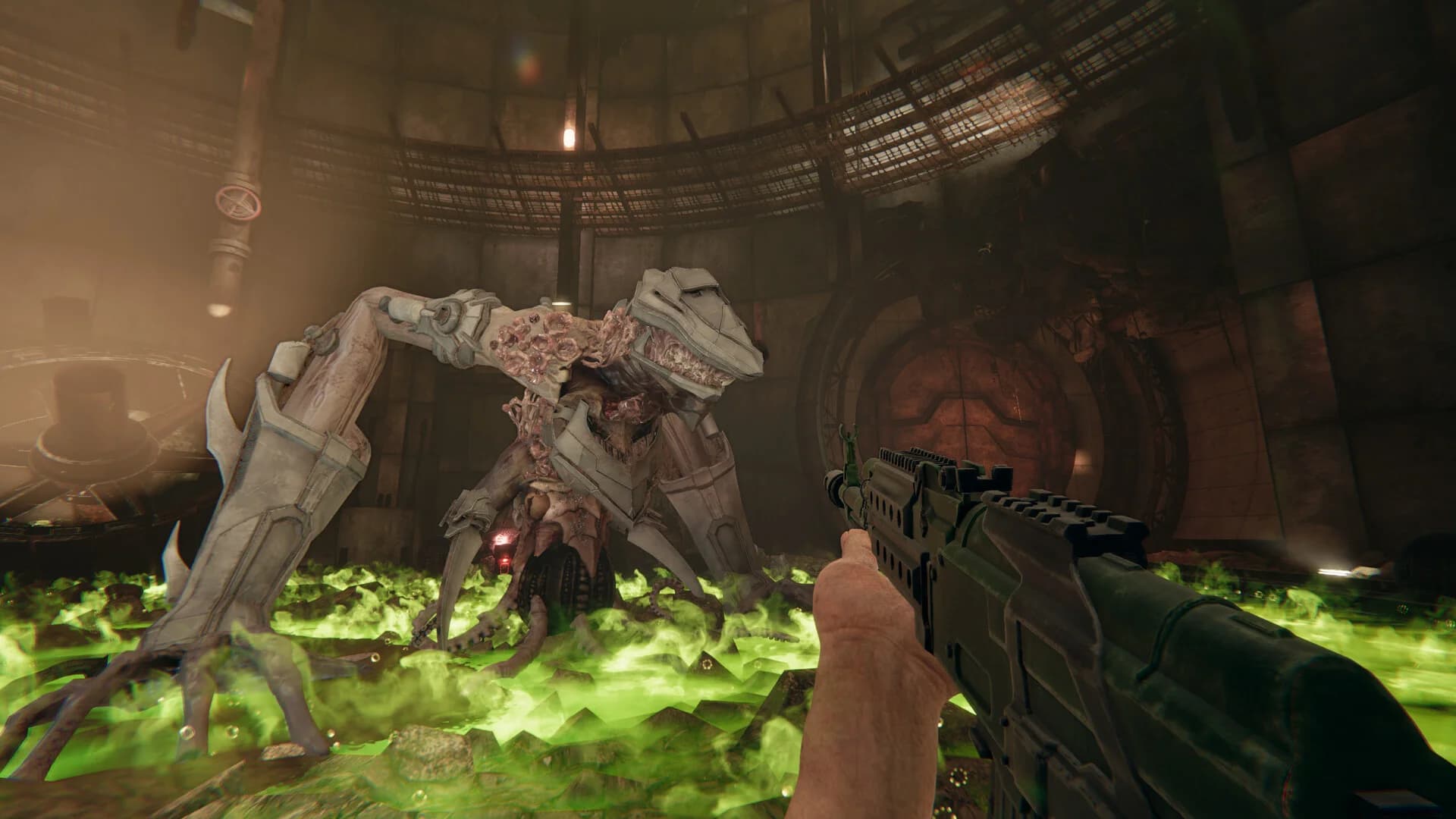
The same gameplay video also shows several practical early-game signals worth carrying into the guide. Bear traps are worth picking up. Boxes and crates may hide loot. Facility traversal can include acid-floor hazards and jump sections rather than only combat. Those are small details, but they make the page more useful because they come from actual route friction rather than generic survival filler.
After launch, this page should be updated with exact recipe names, final objective flow, and any real early-game combat rules that the full build confirms. Until then, the transcript already gives enough signal to make a useful tutorial rather than a speculative one.
Frequently asked questions
Is this based on real gameplay or guesses?
It is based on the current demo-style gameplay video and its visible UI flow, not on guessed routes.
What should I do first in Project: Mist?
Save, take the starter supplies, learn the keys, craft the axe, and follow the first objective marker.
What is the first major objective shown in the current gameplay route?
The observed gameplay route points the player toward the greenhouse to find a train gate key after basic setup and required part collection.
Should I fight the whale?
No. The video frames it as a major hazard, so the safe move is to avoid provoking it.
What are the most useful early keys?
The video shows `T`, `G`, `Tab`, `Enter`, `Space`, and `Alt` as the first useful controls to learn.
Have questions or feedback? Join our community at r/enjoy4game.
Related guides
Project: Mist Beginner Survival Guide
A post-launch Project: Mist beginner guide for first-hour priorities, survival planning, base setup, Gravity Gun use, and what still needs hands-on verification.
Project: Mist Release Date, Platforms, and Early Access Guide
A factual Project: Mist release date and platform guide covering Steam, the current demo, Early Access status, 1-4 player co-op, pricing notes, and what buyers should verify.
Project: Mist Demo, Player Count, and Early Access Pricing Guide
A practical Project: Mist guide covering demo availability, seamless 1-4 player co-op, current Early Access pricing signals, and the buyer questions that still need post-launch testing.
Should You Buy Project: Mist Early Access?
A user-first Project: Mist buying guide for deciding whether to buy Early Access now, try the demo first, wait for more patches, or skip if you need console support.